How to Login to Azure Dev Tools for Teaching Portal
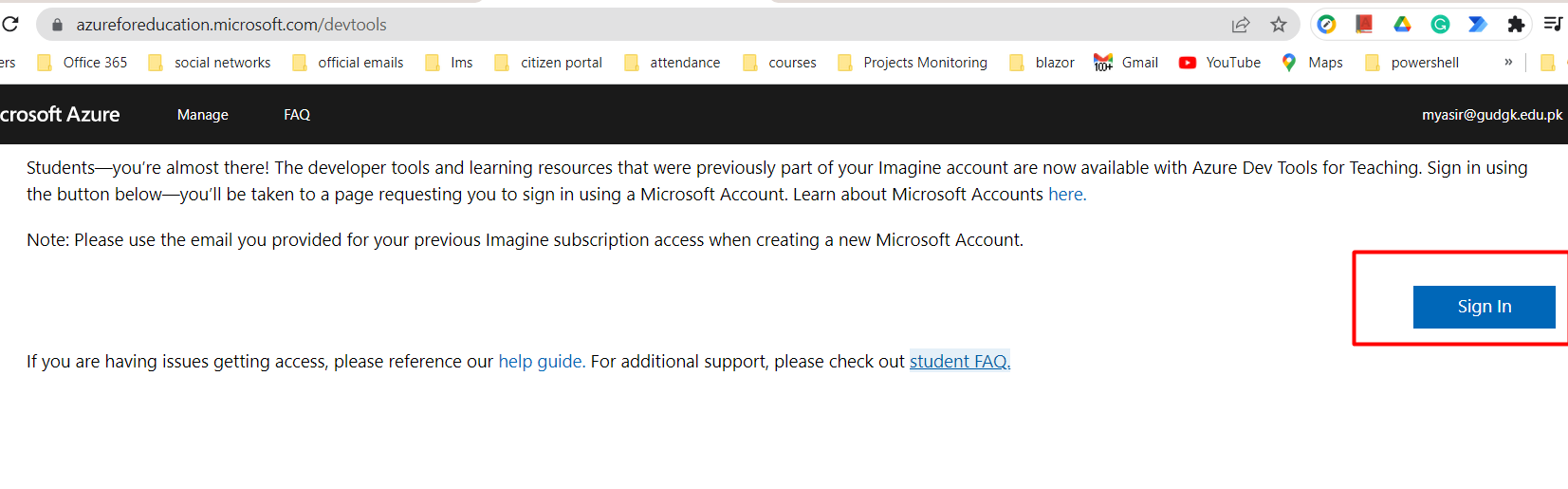
Step 1: Go to https://azureforeducation.microsoft.com/devtools and click the Sign In button.
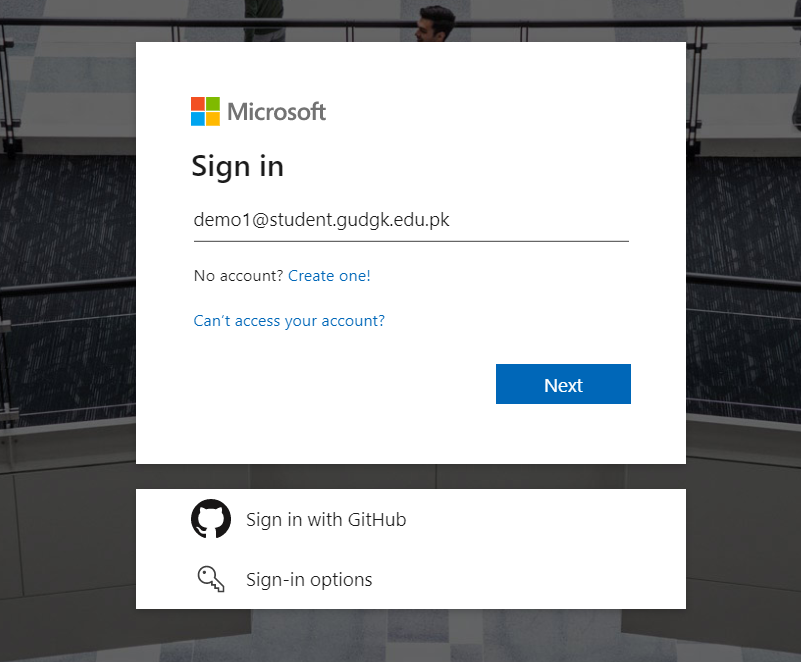
Step 2-: You will be sent to a Microsoft Sign In page. Put in your GU e-mail address and click Next.
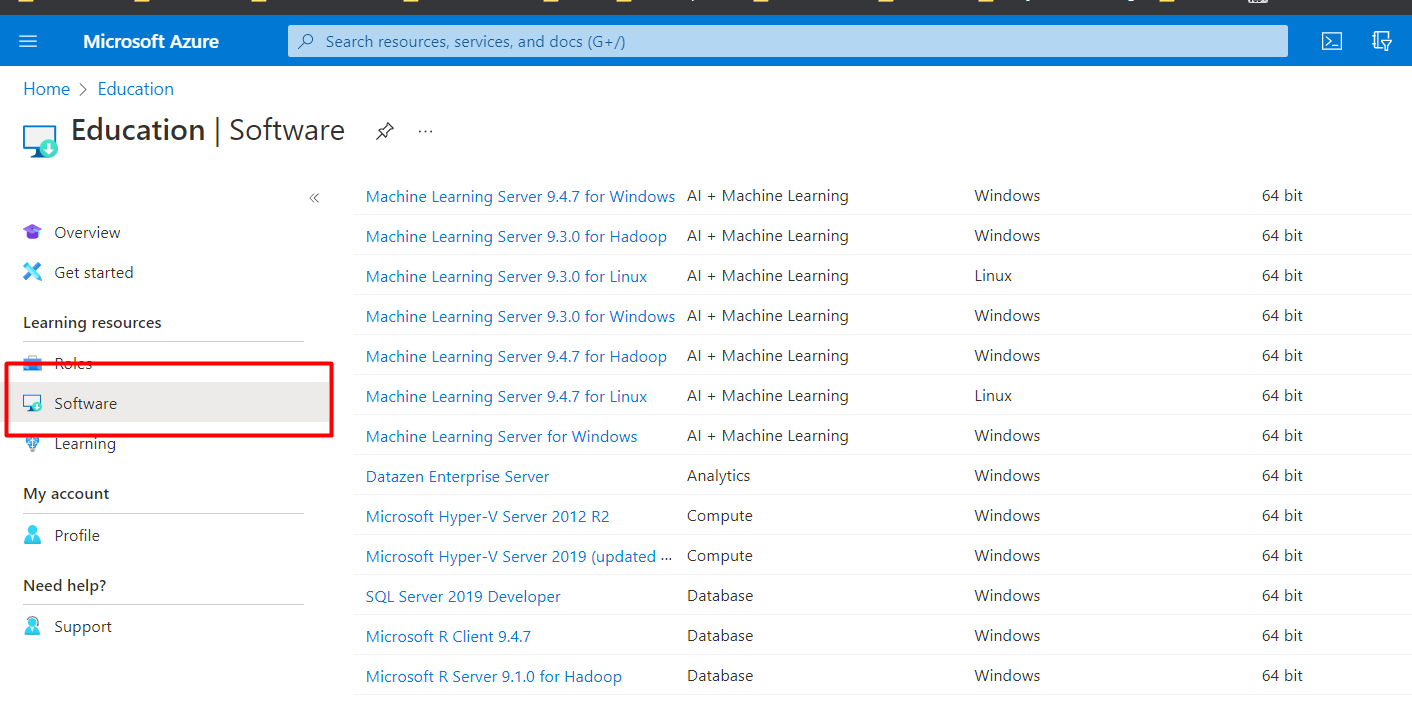
Step 3: In the Home/overview page, click on the Software link to display a list of the software available to you.